Description
This article will describe how to access the devices under the router’s LAN through WireGuard VPN
Requirement
● Milesight Router: UR3X with firmware version 3x.0.0.8 and later
● Milesight Gateway: UG65/67 with firmware 60.0.0.44 and later, UG56 with firmware 56.0.0.5 and later
Configuration
Take two Milesight UR3x as an example
Step1: Refer to the below document to establish the Wireguard VPN connection between two routers
How to Set Up Wireguard VPN in Millesight Gateway : IoT Support
Step 2: Check the LAN segment configuration of the two routers.
Step 3: Add the remote subnet segment to the allow IP list.
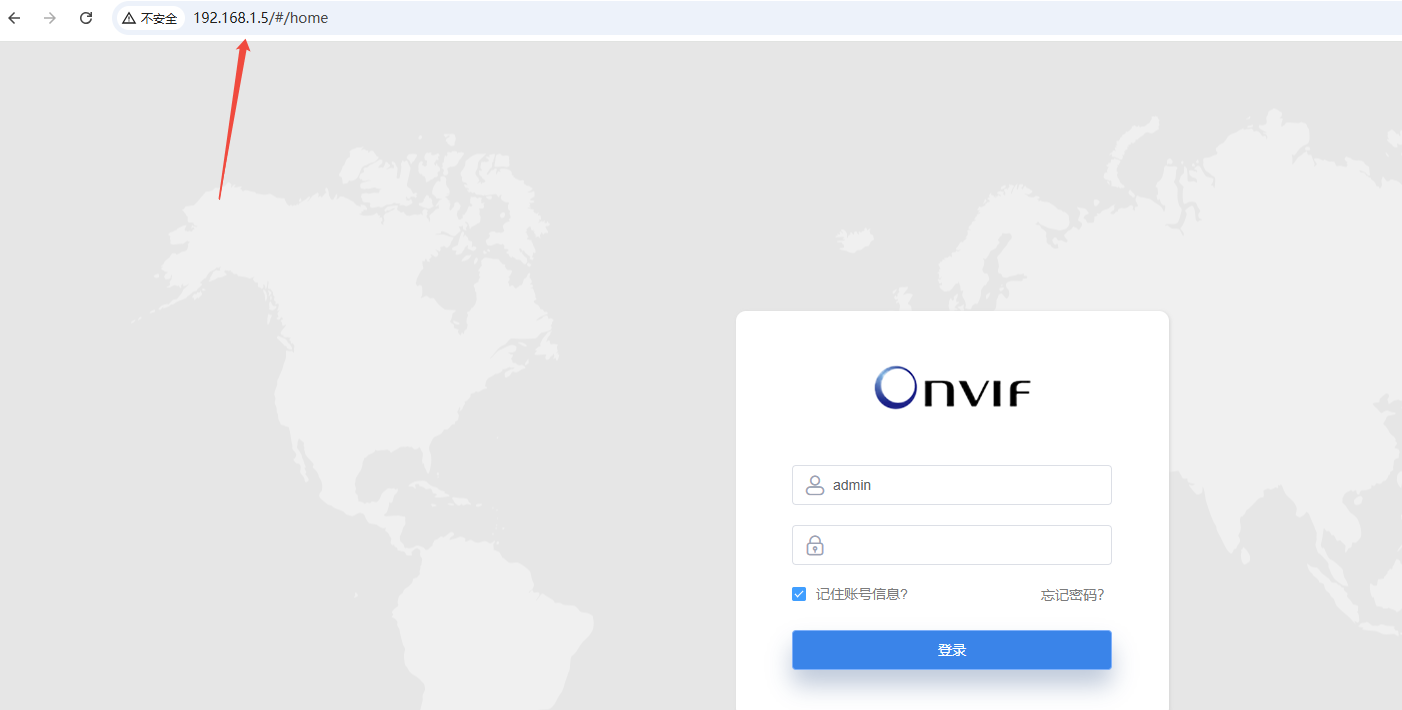
Step 4: We can use the LAN ip to access the device from the peer side directly
Was this article helpful?
That’s Great!
Thank you for your feedback
Sorry! We couldn't be helpful
Thank you for your feedback
Feedback sent
We appreciate your effort and will try to fix the article